
Already have a registration platform? Plan onsite check-in.
Keep your existing platform and plan equipment, badge printing and crew around your entrances and peak arrivals.
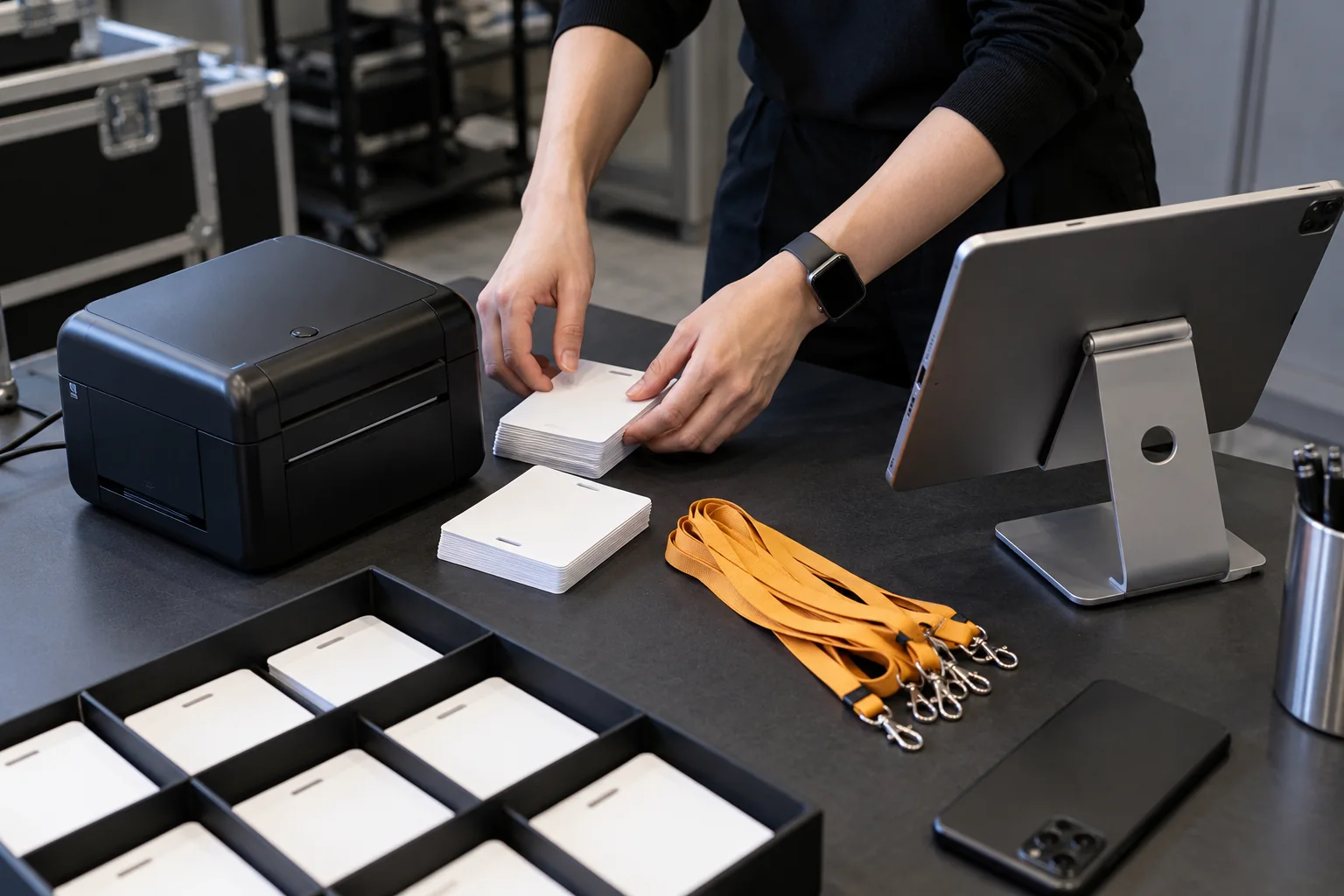
- Scan with an iPad or iPhone camera
- Look up a name
- Issue a badge
Agree the setup and who does what
- Platform and guest list
- Keep Cvent, OnArrival, a client platform or Excel / CSV. Agree the list version, fields, handoff time and login access.
- Network, devices and backup
- Plan stations, crew and backup around entrances and peak arrivals. Test connectivity, scanning, the printer and paper before doors open.
- Name changes and walk-ins
- Onsite staff look up names, issue badges and flag exceptions. The organiser’s authorised contact approves name changes, walk-ins and admission.
Experience across large exhibitions, medium-sized events and seminars.
Our team has also participated in RSVP work for National Games-related events and government events. Our role varies by project, with responsibilities, workflows and delivery scope agreed separately.
Explore our event experienceEquipment & team details
One example: we participated in a jewellery exhibition with 150 counters, supporting the agreed scope.
Scan guest QR codes with an iPad or iPhone camera. Ask about onsite A6 colour badge printing with the Epson ColorWorks CW-C4000 series and booking a crew of 10–15.
Event capacity, quantities and roles depend on scale, dates, location, equipment and staff availability.
Before we work together.
We already use Cvent or OnArrival. Do we need a new system?
Not necessarily. Keep your platform and ask about equipment, onsite operators or technical support. Our team has experience with these platforms. Share the version, access, devices and data flow so we can confirm the right operating and handoff plan for your event.
Can we rent equipment only or add staff only?
You can ask about equipment, specific stations, operators, technical support or backup. We check availability, hours, scope and fees for each request and list them in the quote. You do not need to switch registration platforms to ask.
How should we handle a missing name or last-minute name change?
Before the event, agree the search details, list version and exception process, and name the organiser’s contact who can verify and approve changes. Onsite staff can help look up the guest or route the case according to that process. The organiser’s authorised contact decides whether to accept, change or admit the guest.
What should we check about network access and onsite printing?
Share venue network details, platform version, printer model, stock specifications and badge artwork. The three onsite packages include setup and testing on the event day. Advance print tests, separate rehearsals or additional tests are confirmed and listed in the quote. We can also review access, connectivity, material compatibility and backup arrangements; offline workflows need to be tested for the platform and equipment.
What information do you need to quote for onsite support?
Share the date, venue, attendance and arrival peak, entrances, current platform, and your equipment, printing, scanning and staffing needs. A floor plan or sample without personal attendee data can help. The quote will confirm the available scope, hours, setup and fees; an enquiry does not reserve a date.