
From registration to guest lists
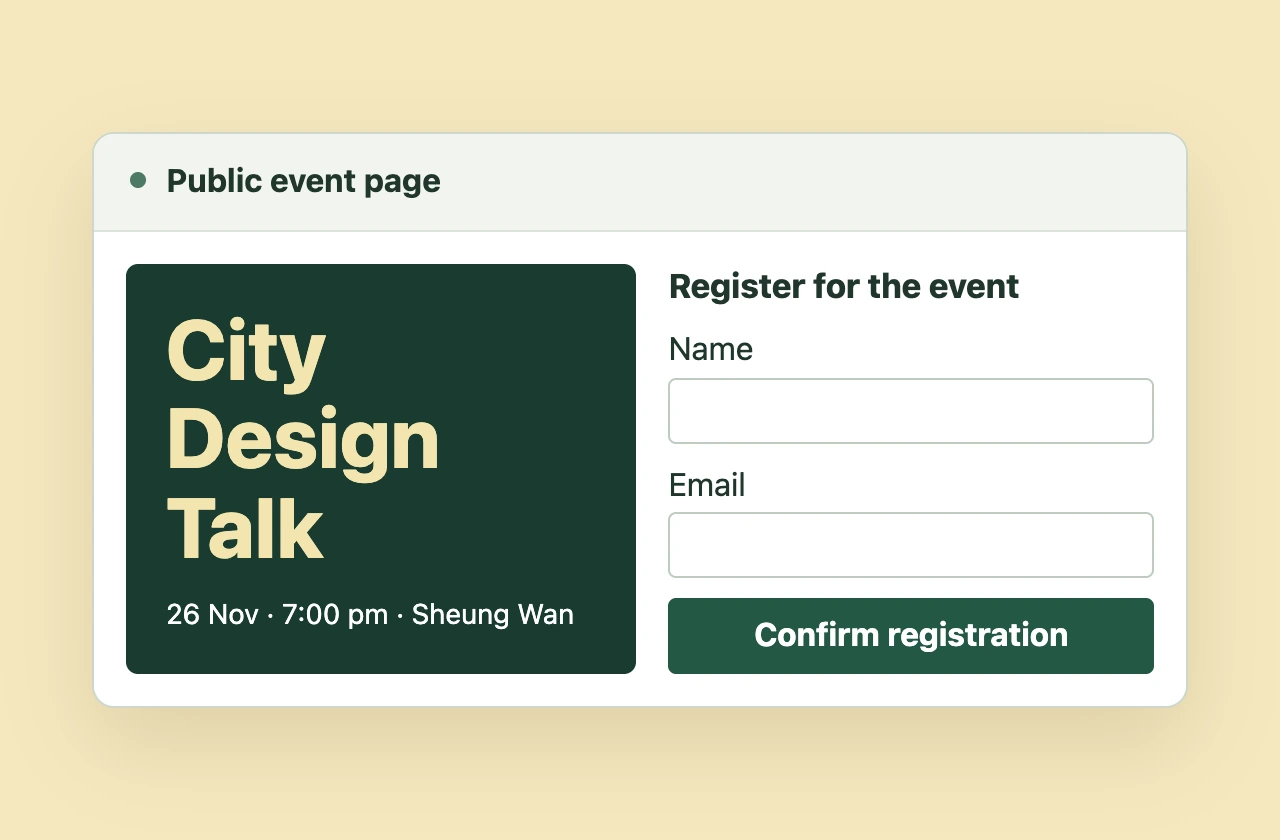
- Registration
- Confirmation
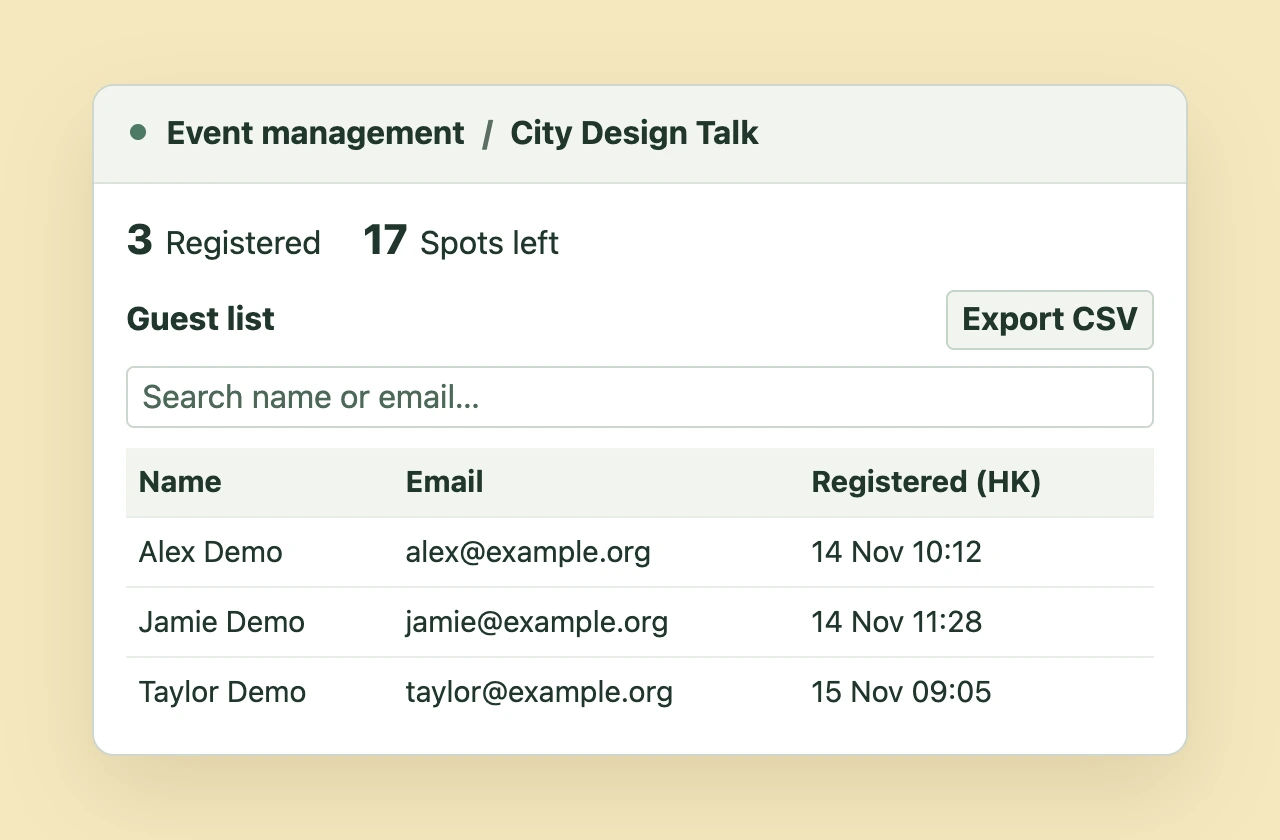
- Guest list
How can I check in guests from my list?
Keep Forms or your existing platform. Onsite equipment, staff and materials are arranged separately.
What’s included in the system?
Bilingual registration pages, an immediate registration result, a guest list and QR check-in software. Open registration after payment verification, activation and publication.
See all system featuresHK$10,000 per event
Meta charges separately for WhatsApp messages at applicable rates.
Explore pricing and activationAll system features
Create and manage events
Public registration
Guest lists
Receipts and notifications
Event branding
Arranged for your event
- Confirmation emailDepends on event eligibility and setup. Requires a verified sender.
- WhatsApp notificationsRequires event setup. Meta charges separately at applicable rates.
- Admission QR codes and check-inQR check-in is a system feature. Admission codes and the workflow depend on event setup. Equipment and crew are quoted separately.
Explore each step
Set up your event page and form
Edit and preview while activation is pending. Share the registration link once the event is published.
Check registrations and confirmations
“Registration saved” means the entry is on the guest list. If the result is unclear, check the original submission to avoid registering twice.
Explore receipts and result checksExport your list and hand over to check-in
Paid events can export current search results. Clear the search for the full list. Export a fresh CSV after the list changes.