A guest changes at the last minute
A VIP changes or a guest walks in? Print one badge once the organiser gives approval.
Print both sides in colour on blank A6 stock at check-in. Skip labelling, alphabetising and searching for badges.
How should I group badges for my event? View full size
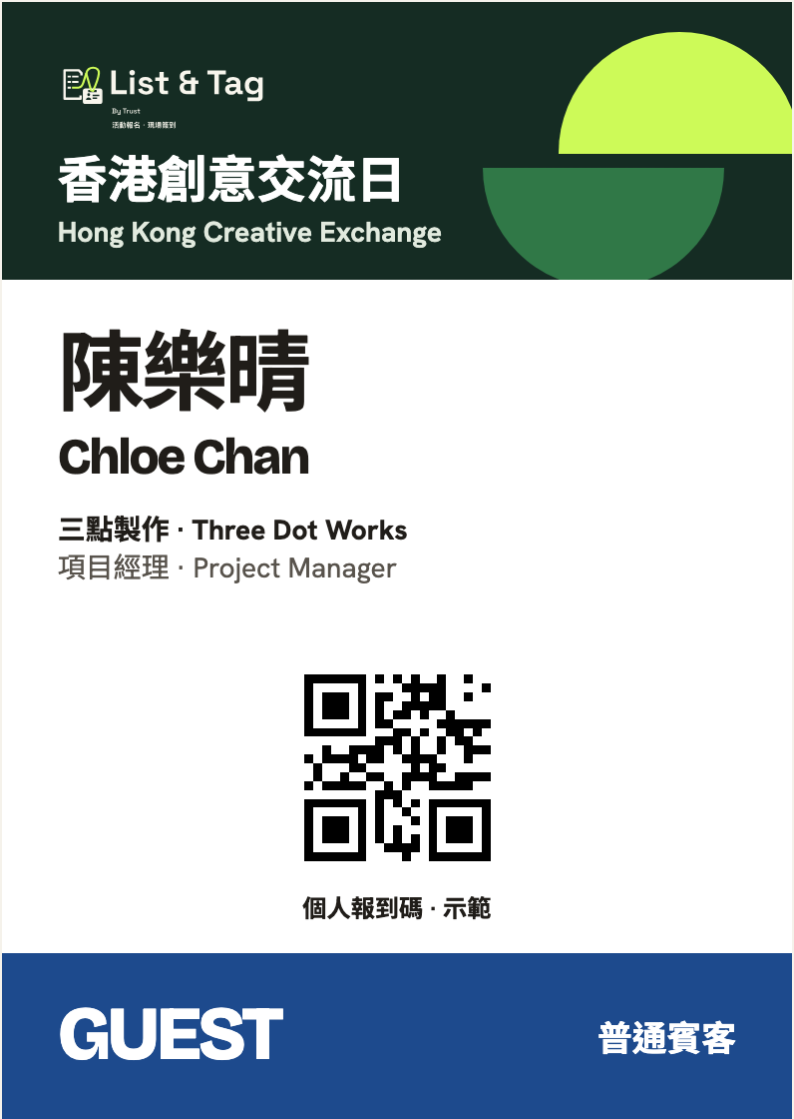
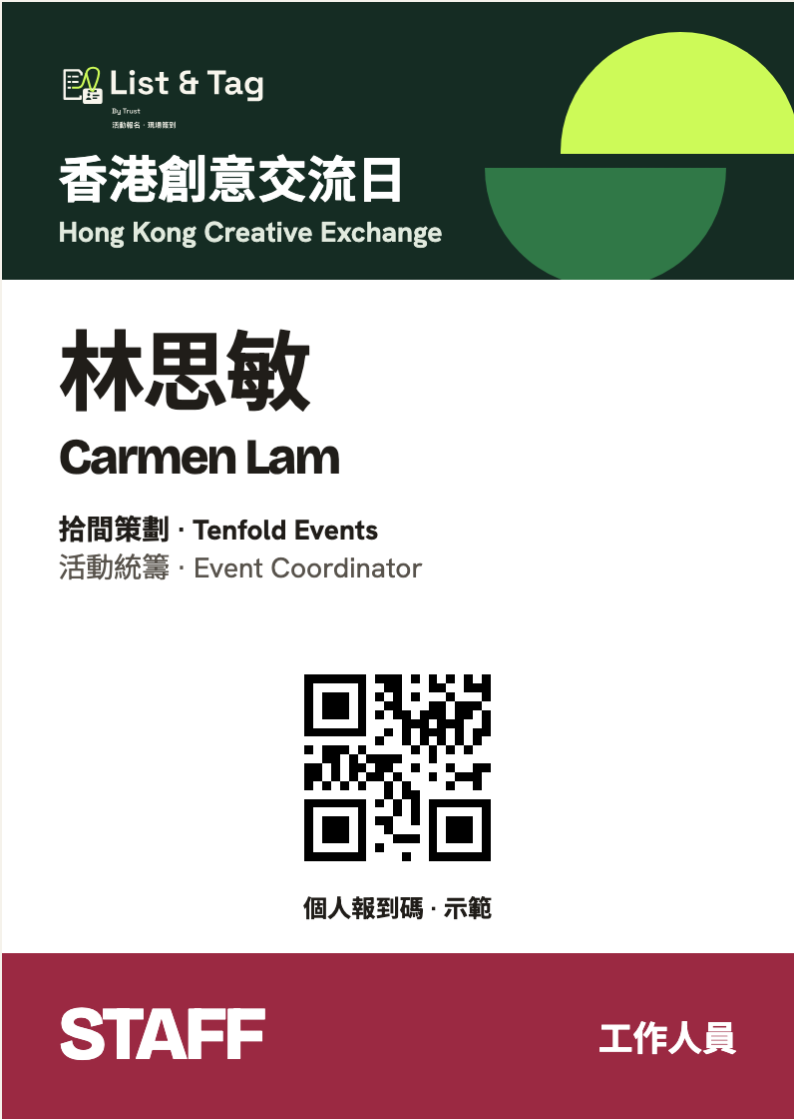
Front Name, personal QR code and role band
 View full size
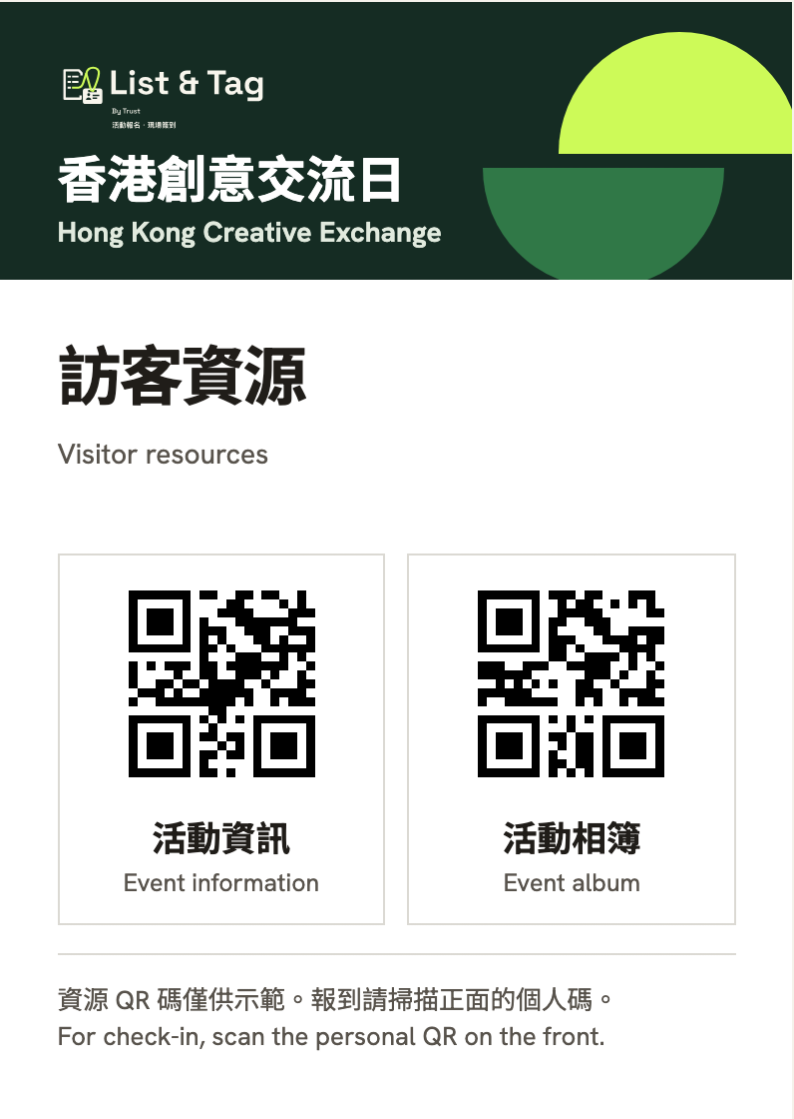
Back QR codes for event information and the photo gallery
ADVANCED and ADVANCED PLUS include 102 × 148 mm thermal-transfer tear-resistant synthetic badges with lanyards.Compare badge materials
On the Epson ColorWorks CW-C4000 series, allow about eight seconds per badge from selecting Print to paper output, depending on stock and setup. Check-in, lookup and handover take additional time.
A VIP changes or a guest walks in? Print one badge once the organiser gives approval.
More exhibitors than expected? Use the same stock and print as guests arrive to avoid unused badges.
Opening Friday? Agree a Wednesday deadline in advance and leave time to scan a test print.
Keep your registration platform. We confirm list handover, test printing and equipment compatibility, then quote for colour printing, stock and reprints.
Your registration specialist helps you agree the layout, stock, editable fields and approver first. For event information or gallery links, we can arrange a deadline two days before your event, allowing time for a test print, phone scan and approval. Personal check-in codes follow the organiser’s approved list and check-in workflow.
Yes. Once the organiser’s authorised lead confirms the updated name, company, title or role, the desk can print one badge using the approved design.