
One link for event details and registration.
Put the time, venue and form on a bilingual event page. Share the link so guests can register from their phones.
See the registration page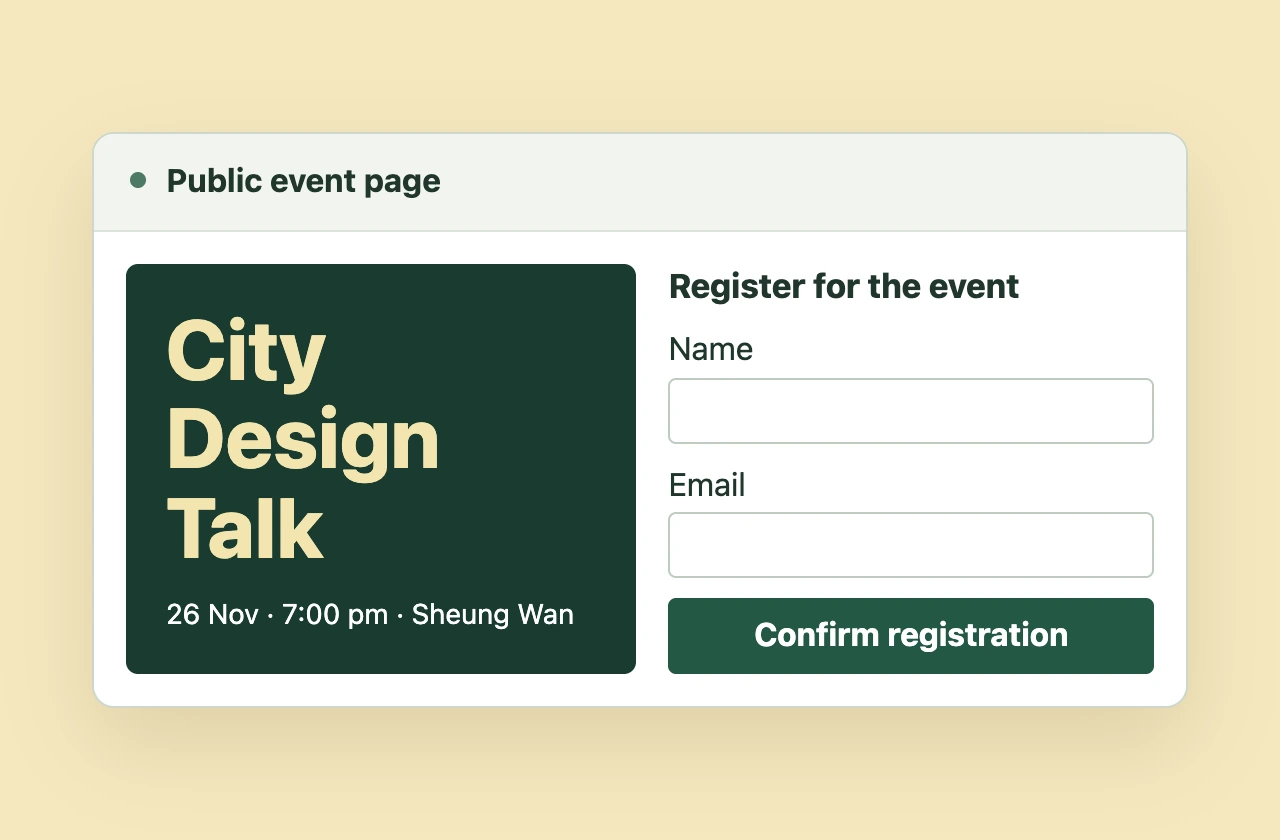
How do guests know they’re registered?
Guests enter their name, email and any required details, then see the result on the same page.
Enquire about the event systemAlex Demo, your registration has been added to the guest list.
Publish, then share
Check the event details and required fields. Once the page is published, include its link in your invitation.
Activation and capacity
Creating an event requests activation. We verify payment and check that the event is open with valid details and dates before activation. You can set a capacity or close registration manually. The system checks for duplicate emails for the same event.
Configure a bilingual form
Name and email stay required. Configure phone, company, organisation, job title or industry, then add short text, long text, single choice, multiple choice, dropdown and yes/no questions.
You can add up to 20 questions in 5 sections and up to 30 options per choice question. Publish the form to apply it to new registrations. Earlier answers keep their original question version.
Expand additional registration details in the guest list to view the saved answers. Verified paid events can also export answers in parts of up to 400 guests.
Check the registration result
“Registration saved” means the record is on the guest list. Confirmation email availability and processing status are explained separately. No email does not mean registration failed.
Keep the original page and details if the result is unclear. Use “Check original registration result” and follow instructions to retry the same operation without adding a duplicate record.
Confirmation emails and event updates
Will enabling confirmation emails send them to earlier registrations?
No. The setting applies only to new registrations after it is saved and does not send emails for earlier registrations. New events default to confirmation emails enabled; actual sending still requires formal-use eligibility and verified sender configuration.
Will changing the date or venue automatically notify attendees?
No. Editing event information does not automatically notify everyone or resend confirmation emails. Confirm important changes with your guests separately.